
FTN-501 / FUTON RECORDS Tools
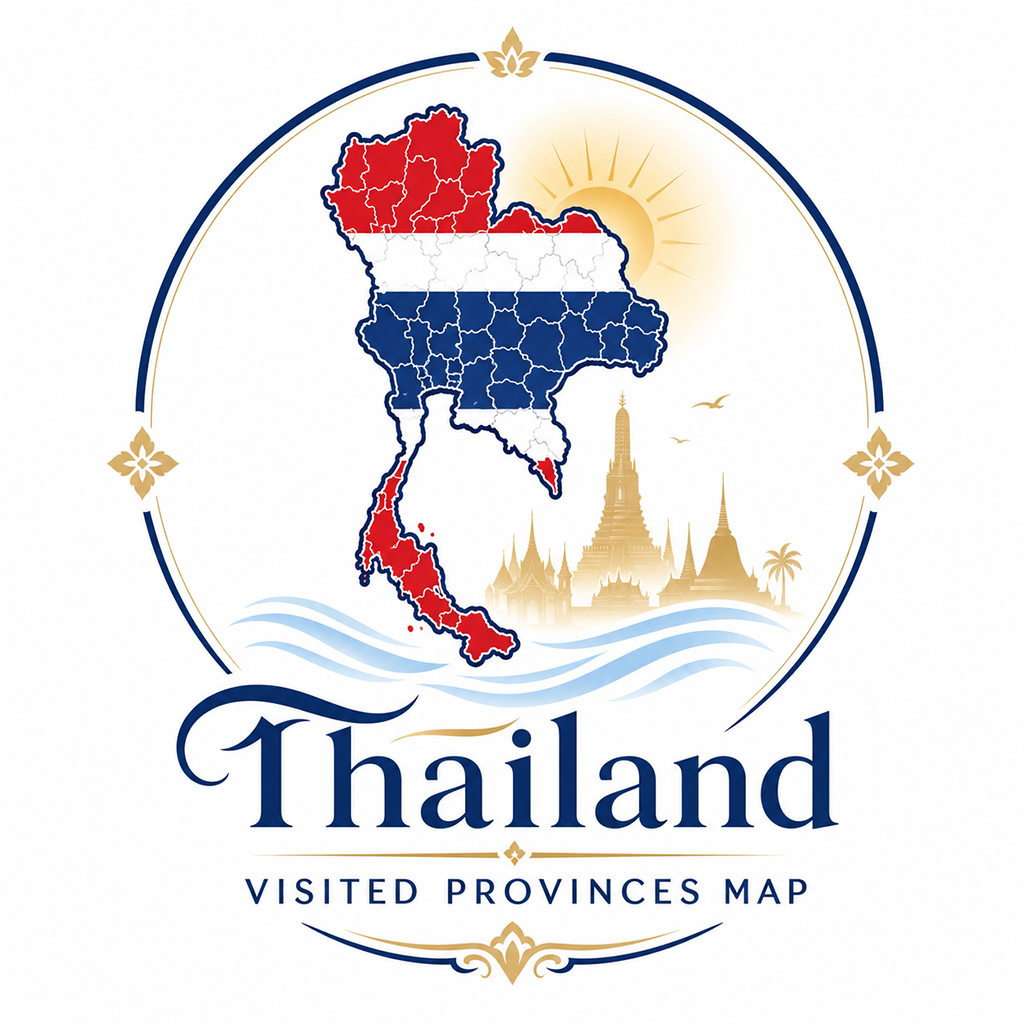
Thailand Visited Provinces Map is a browser-based tool for recording the provinces you have visited in Thailand. Instead of needing to know every province on the map, you can start from the cities, islands, and major travel destinations you remember.
Search for places such as Bangkok, Chiang Mai, Phuket, Krabi, Koh Samui, Koh Phangan, Koh Tao, Koh Samet, Pattaya, or Hua Hin, and the matching province will be marked on the map automatically.
You do not need to know where each Thai province is located. If you remember that you have been to Koh Samui, Phuket, or Bangkok, you can build your own visited map of Thailand.
Open Thailand Visited Provinces Map
Record Thailand by the places you have visited
Thailand consists of Bangkok and 76 provinces, for a total of 77 province-level areas.
Many travelers remember trips by place names such as Koh Samui, Koh Phangan, Koh Tao, Pattaya, or Hua Hin, rather than by province names such as Surat Thani, Chon Buri, or Prachuap Khiri Khan.
This tool connects familiar travel destinations to their corresponding provinces.
- Koh Samui → Surat Thani Province
- Koh Phangan → Surat Thani Province
- Koh Tao → Surat Thani Province
- Koh Samet → Rayong Province
- Pattaya → Chon Buri Province
- Hua Hin → Prachuap Khiri Khan Province
- Phuket → Phuket Province
- Krabi → Krabi Province
- Bangkok → Bangkok
- Chiang Mai → Chiang Mai Province
If you select multiple places in the same province, the province is counted only once. For example, selecting Koh Samui, Koh Phangan, and Koh Tao still counts as one visited province: Surat Thani Province.
Color your map with your Thai weekday color
In Thailand, each day of the week has its own traditional color.
After you enter your birthdate, the provinces you have visited are colored using the Thai weekday color that corresponds to the day you were born.
- Sunday: Red
- Monday: Yellow
- Tuesday: Pink
- Wednesday: Green
- Thursday: Orange
- Friday: Blue
- Saturday: Purple
Your birthdate is saved only in the same browser. It is not shown on the share image, and the weekday name or color name is not shown there either.
See your progress toward all 77 provinces
Your visited count shows how many of Thailand’s 77 province-level areas you have visited.
Example:
23 / 77 provinces visited (29.9%)
54 provinces left to complete Thailand’s 1 metropolis and 76 provinces
You can see your Thailand travel progress both visually on the map and numerically as a percentage.
Create a share image for social media
You can create a square share image based on your visited map.
The share image shows the map and title. A post text is also prepared for you.
These are the provinces I have visited in Thailand.
#futonrecords
On iPhone and Android, you can use the share button to save the image or post it to X, Instagram, LINE, and other apps.
Supported languages
Thailand Visited Provinces Map supports five languages.
- Japanese
- Korean
- Traditional Chinese for Hong Kong
- Thai
- English
Your visited province data stays saved in the same browser even if you switch languages.
What this tool can do
- Display a map of Thailand’s 77 province-level areas
- Select provinces by tapping the map
- Search by city, island, or major travel destination
- Search directly by province name
- Show visited province count and progress percentage
- Choose your map color from your birthdate and Thai weekday color
- Save your visited provinces in the same browser
- Create a share image
- Copy post text for social media
- Switch between JP / KR / HK / TH / EN
How to use
1. Enter your birthdate
First, enter your birthdate. Your Thai weekday color is calculated from that date.
2. Search for places you have visited
Type the name of a city, island, or major travel destination you have visited.
- Koh Samui
- Phuket
- Pattaya
- Koh Samet
- Chiang Mai
- Bangkok
Tap a search result, and the corresponding province will be marked as visited.
3. Tap the map directly
If you know where a province is located, you can tap the map directly. Tap it again to mark it as not visited.
4. Create a share image
After marking the provinces you have visited, tap “Share” to create a share image. You can also copy the prepared post text for social media.
Notes
This is a browser-based tool. It does not require login and does not save your data on a server. Your birthdate and visited provinces are saved only in the same browser.
Your data is not automatically shared across different devices or browsers. If you delete your browser data, your saved record may also be deleted.
FUTON RECORDS Tools
Thailand Visited Provinces Map is a browser tool from FUTON RECORDS Tools.
FTN-501
Thailand Visited Provinces Map
This tool is made for people who love Thailand, people who have traveled there many times, and anyone who wants to record their journey toward visiting all 77 province-level areas of Thailand.